Events
View sessions, classes, and appointments, and manage your attendance.
The Events tab shows the sessions, classes, and appointments connected to your coaching. It’s where you keep on top of what’s scheduled and let everyone know whether you’ll be there.
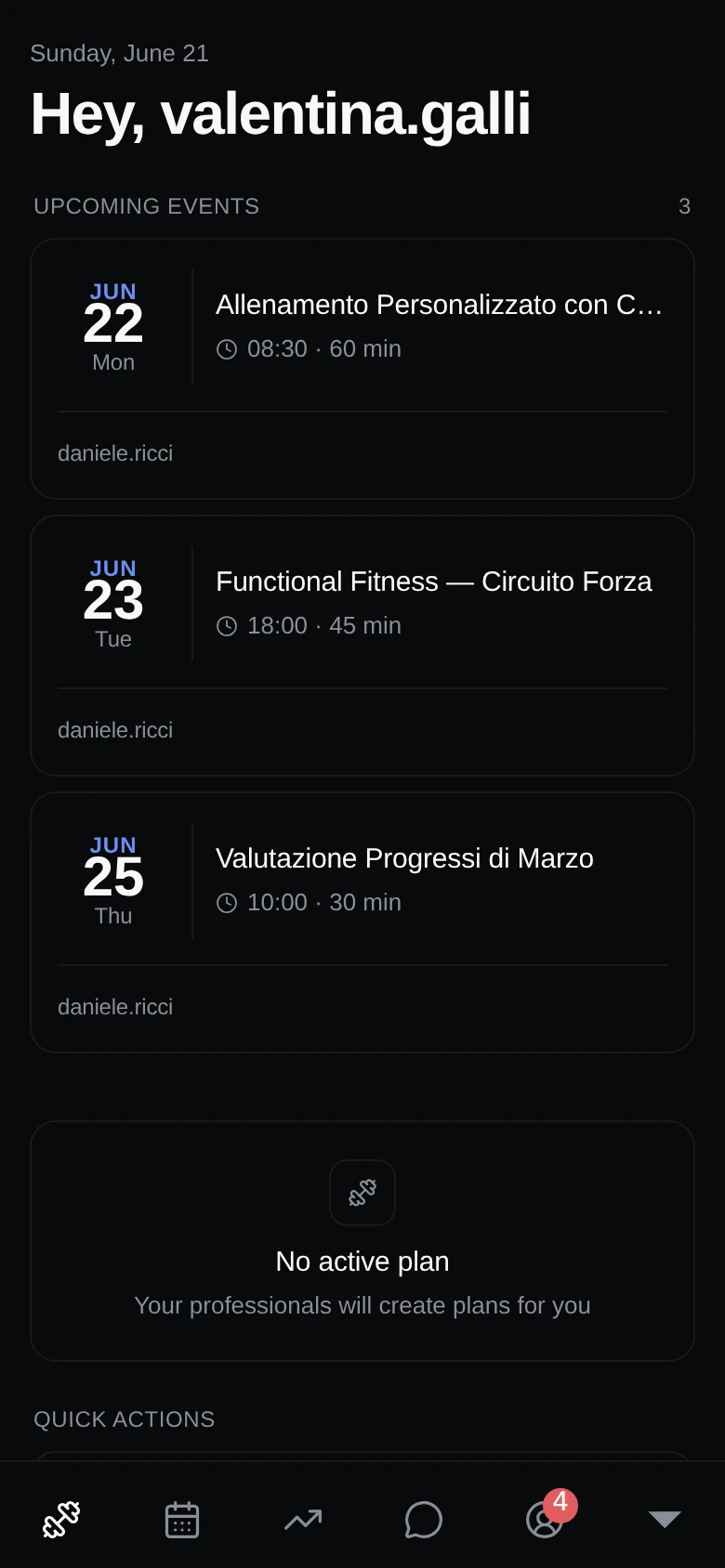
Upcoming and past events
Browse both your upcoming events and the ones you’ve already attended. Tap any event to see the full details.
Event details
Each event tells you everything you need to know:
- Whether it’s in-person, virtual, or hybrid.
- The location.
- The participants taking part.
- The duration.
Responding to invitations
When you’re invited to an event, you can:
- Accept or decline the invitation.
- Join or leave a waitlist if a session is full.
- Cancel your attendance if your plans change.
Recurring sessions
For sessions that repeat regularly, you can set your availability in advance so your coach knows which ones you can make.
Staying on top of invitations
A badge on the Events tab shows how many invitations are waiting for your response, so nothing slips through the cracks.