Scheduling
Manage your calendar and set up booking templates that control how athletes book you.
Scheduling in OwnFit has two parts: a Calendar to see and manage your sessions, and Event Types that let athletes book time with you on your terms.
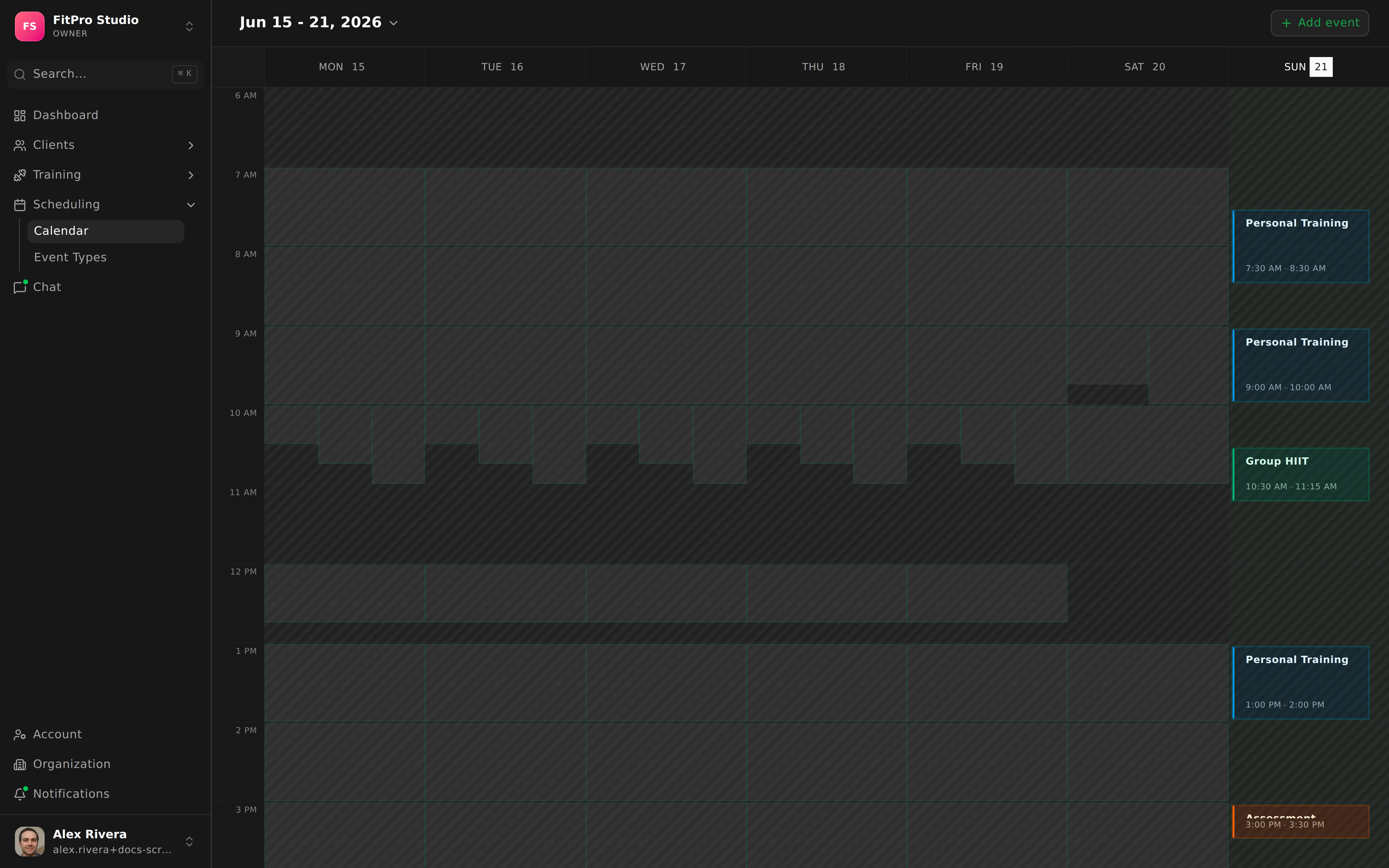
Calendar
The Calendar shows your upcoming sessions, with day, week, and month views so you can zoom in on today or step back to see the whole month.
- Create events directly on the calendar.
- Open an event to view its details.
Event Types
Event Types are reusable booking templates. Each one defines a kind of session athletes can book — and gives you fine control over how that booking works.
Duration and participants
- Set the duration of the session.
- Set a participant limit for one-on-one or group formats.
Availability and booking rules
- Define availability windows and buffers between sessions.
- Choose a booking rule: open booking, request to book, or invite-only — with approval required if you want the final say.
Meeting type
Pick how you’ll meet:
- Video
- A custom link
- In-person
Appearance and visibility
Control who can see and book each type:
- Private, team, or organization visibility.
- Set its appearance so it’s easy to recognize.
Smart handling
- Conflict handling keeps double-bookings from slipping through.
- Reminder notifications nudge athletes before the session.
- A waitlist catches athletes when a session is full, so spots that open up get filled.
Athletes book through their mobile app, and confirmed sessions appear right on your calendar.