Your training
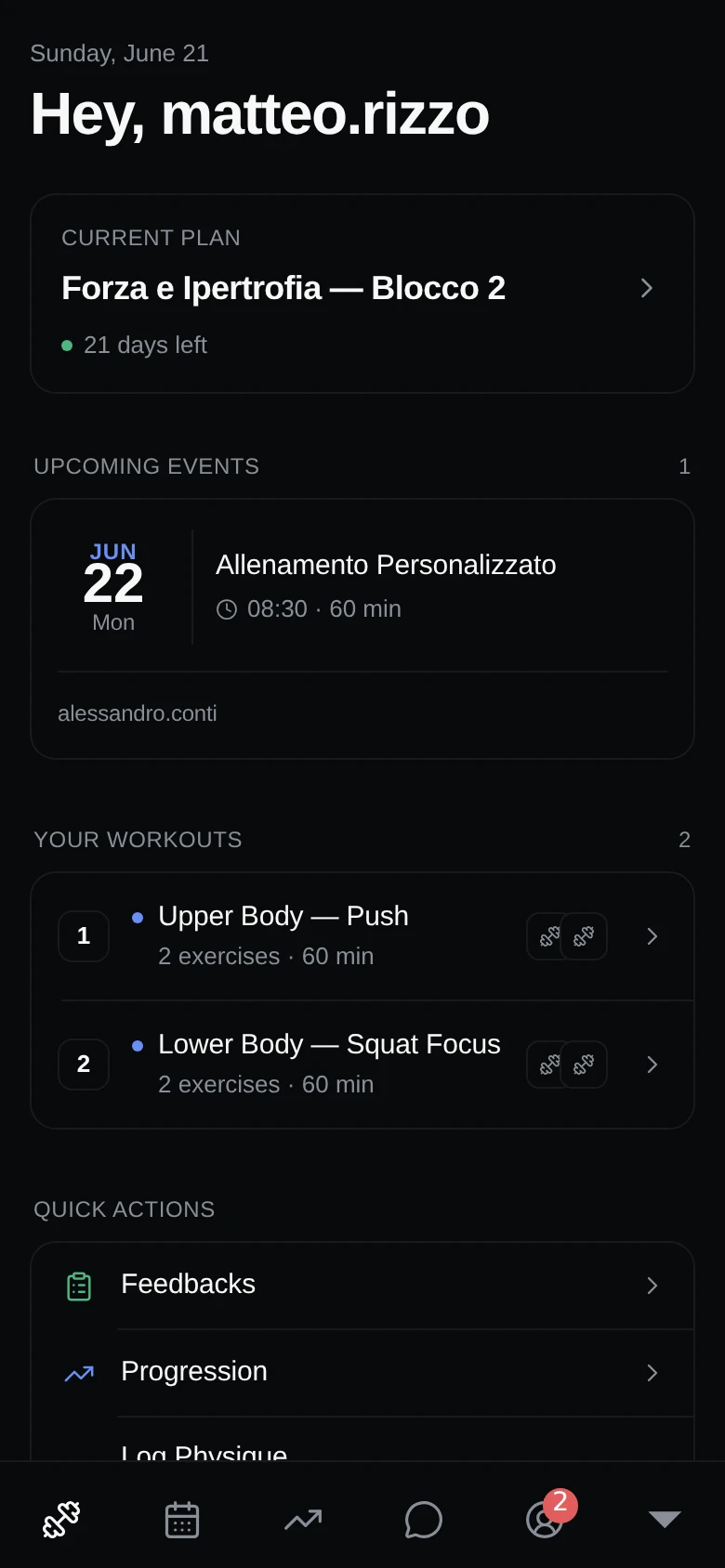
Your home screen — your current plan, today's workouts, and your stats at a glance.
The Training tab is your home screen. It pulls together everything you need for the day so you can open the app and get straight to work.
Your current plan
At the top you’ll see the plan your coach has you on, along with how many days remaining are left in it. This keeps you oriented on where you are in your program.
Today’s workouts
Below your plan you’ll find the workouts scheduled for the day. Tap one to see the exercises and get started. Head to doing a workout for the full walkthrough.
If you started a workout earlier and stepped away, a button lets you resume an in-progress workout right where you left off.
Your stats
A quick summary shows how your training is going:
- Total sessions you’ve completed.
- Last 30 days performance.
- Your workout streak.
- Your average rating.
Upcoming sessions
You’ll also see your upcoming sessions, so you know what’s next on your schedule.
Health summary
If you’ve turned on health sync, a quick health summary appears here with your recent activity.
Quick shortcuts
Handy shortcuts let you jump straight to the things you do most:
- Leave feedback on a workout.
- Check your progression.
- Log your physique.
- Open chat with your team.